
Google Now Counts Your Posts, Not Just Your Website: Search Console's New Platform Properties
Search Console now reports on your Instagram, TikTok, X and YouTube content. How to set up platform properties, how to read the three reports, and which traps to avoid.
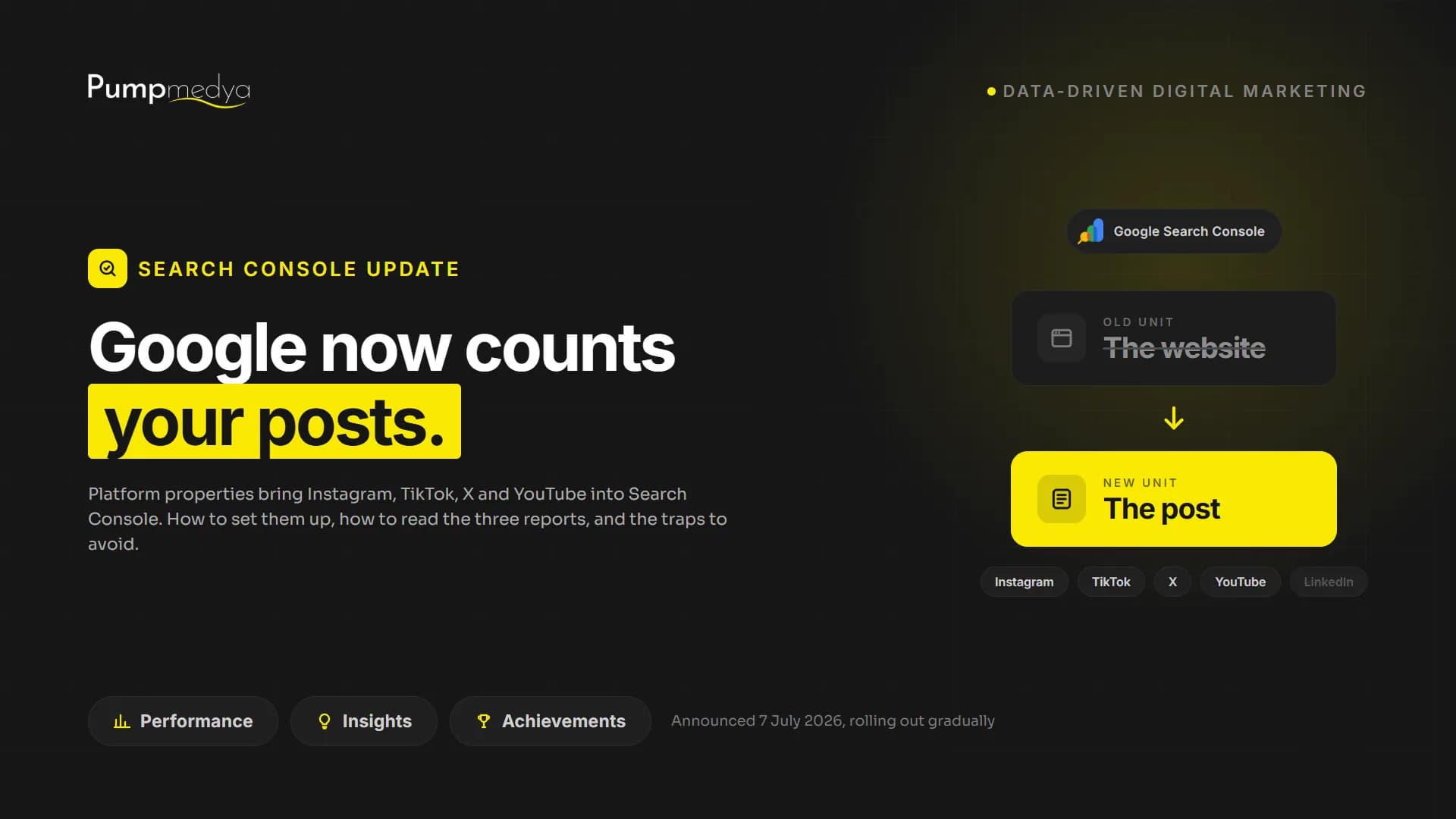
With an update announced on 7 July, Google Search Console lets you connect your Instagram, TikTok, X and YouTube accounts as properties of their own. As the connected account's posts appear in Google Search and Discover, you can see which queries surface them, how often they are shown and how many clicks they earn, right inside Search Console.
The feature is rolling out gradually, so it may not be in your account yet. Once it appears, setup takes minutes. In this article we cover what shipped and how to set it up. But the bigger point is what the update says out loud: to Google, the unit of discovery is no longer the website. It is the post.
What shipped: the dry facts
The new property type is called platform properties. Supported at launch: Instagram, TikTok, X and YouTube. Facebook and LinkedIn are absent. You do not need to own a website; verifying the social account is enough. Each connected account gets three reports:
- Performance: clicks, impressions and positions of your posts in Google Search and Discover, broken down by post and by query.
- Insights: recent trends, top-performing posts and how the account is discovered through Google.
- Achievements: milestones such as click thresholds over 28-day periods.
Setup: open Search Console, choose Add property, pick the platform and complete the ownership verification steps. That is all.
The real news is not the feature. It is the admission
A new report inside a measurement tool is normally small news. What stands out here is this: Google has started reporting on the performance of platforms it does not own.
Read it as a product announcement and you see a reporting upgrade. Read it as a statement of position and you see an admission: Google treats the post, not the website, as the unit of discovery, wherever the post happens to live. People first meet a brand not on a results page but in a video card, a Discover feed, a social profile preview, and Google is building tools for that reality.
Most companies have been slow to accept the shift. Google, apparently, has not.
An honest warning: measurement is not consolidating. It is multiplying
Let us also be clear about what this update does not do: it does not gather your measurement in one place. It adds a layer. Every platform already has its own analytics, each reporting different numbers on different definitions. Now there is one more view, showing only the slice Google can see, measured with Google's ruler. What Instagram calls reach and what Search Console calls an impression are not the same thing; add them together and you get a wrong number.
Two dashboards disagreeing is a discussion. Five dashboards disagreeing is a meeting nobody wants to attend. Knowing which question you are trying to answer before opening the new report matters more than ever.
A footnote for B2B teams: LinkedIn is not on the supported list. Given where a large share of B2B discovery actually happens, that absence is quiet but meaningful.
Where the real value is: queries, not traffic
The least interesting column in these reports is the click column. The most interesting one is the search queries that surface your posts. Seeing the words people use to reach your video is seeing what your audience asks, in their own language, with intent attached. That is audience research arriving free, from an unusual direction.
The practical use: if one of your videos earns traffic as the answer to a question, and your website answers the same question badly, you have a content gap with evidence attached. Write the page for that query, link the video to it, close the gap. None of this is about click counts; it is about the value of what you learn.
What to do
- Check your Search Console; if platform properties have reached your account, connect your Instagram and YouTube accounts. It costs minutes.
- In the first week, look at queries, not clicks; note your audience's words.
- List the questions your social content answers that your website does not; your next content items are probably on that list.
- Put the report next to your existing dashboards, not in their place, and decide in advance which decision belongs to which dashboard.
A better instrument for measuring something in decline is still a better instrument. Take it, use it. Just do not mistake more reporting for more clarity: dashboards are multiplying faster than answers.
Making measurement meaningful rather than plentiful is the core of what we do. If you want to see what each channel really brings in a single picture, take a look at our data-driven measurement approach.
Your site may look great. Does it actually work?
PumpAudit is the AI assisted auditor built by Pumpmedya. It analyzes your site across five areas, every finding is checked by a specialist, and the report is with you within 3 working days. Credited against your first project.
See PumpAudit