
What Is a CRM System? A Practical Guide for Growing Companies
What a CRM system is, what it does day to day, the three main types, the signs you need one and how to choose and set it up without regrets.
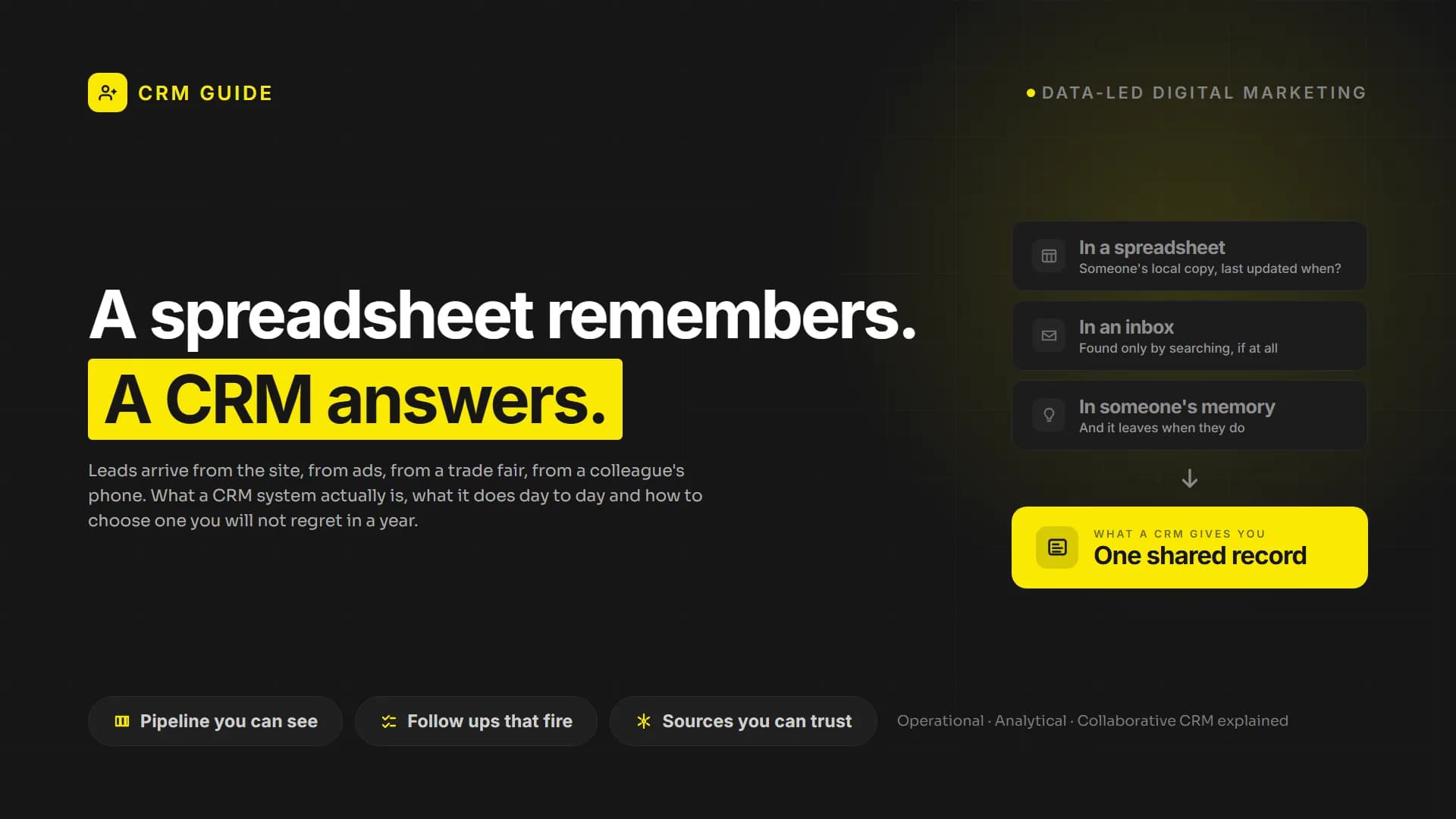
Every growing company reaches the same moment. Leads arrive from the website, from ads, from a trade fair and from a colleague's phone. Some end up in a spreadsheet, some in an inbox, some only in someone's memory. A customer calls and nobody can say what was promised last month. That moment is usually when someone says: we need a CRM.
This guide explains what a CRM system actually is, what it does day to day, the main types, what it costs to get one working and how to choose without regretting it a year later.
What is a CRM system?
CRM stands for customer relationship management. A CRM system is software that keeps every interaction with a prospect or customer in one shared place: who they are, which company they work for, how they found you, every email, call, meeting, quote and order, and what should happen next.
The simplest way to think about it: a CRM replaces the spreadsheet, the inbox search and the memory of your best salesperson with a single record that the whole team can see and trust.
What a CRM does in practice
Feature lists are long, but most of the value comes from a handful of jobs.
- One record per contact and company. Every call, email, form fill and purchase is attached to the same record, so nobody starts a conversation from zero.
- A visible sales pipeline. Deals move through stages you define, such as new enquiry, qualified, quote sent, won or lost. Managers see where revenue is stuck without asking for a status update.
- Tasks and reminders. The system tells people when to follow up, so leads do not go cold because someone was busy.
- Lead source tracking. When forms and ads are connected, you can see which channel brings customers, not just clicks.
- Automation. Routine work, such as assigning a new lead, sending a welcome email or creating a task after a quote, happens on its own.
- Reporting. Conversion rates by stage, sales cycle length and revenue by source come from real data instead of estimates.
The three main types of CRM
Most products mix all three, but it helps to know which one you need most.
Operational CRM runs daily sales, marketing and service work: pipelines, tasks, email sequences and tickets. This is what most small and mid sized companies mean when they say CRM.
Analytical CRM focuses on understanding the data: which segments buy, where deals are lost, what a customer is worth over time. It matters more once you have enough history to analyse.
Collaborative CRM focuses on sharing customer information across departments, so sales, support and finance see the same picture. It becomes important when a customer talks to several teams.
Signs your company needs a CRM
- Leads come from more than two channels and nobody can say which one works best.
- A salesperson leaves and their customer history leaves with them.
- Follow ups depend on individual memory or personal notes.
- Management asks for pipeline numbers and someone has to build a spreadsheet to answer.
- Customers repeat the same information to different people in your company.
If two or more of these sound familiar, the cost of not having a CRM is already higher than the cost of setting one up.
How to choose a CRM system
The most common mistake is choosing by feature list or by brand. Choose by process instead.
- Write down your sales process first. List the stages a customer goes through, who is responsible at each stage and what information you need. A CRM should fit this process, not the other way round.
- List the systems it must connect to. Website forms, email, ad platforms, e-commerce, accounting or ERP. An isolated CRM becomes another place where data goes to die.
- Check how easy daily use is. A CRM only works if the team enters data. Ask two or three people who will use it every day to test it for a week.
- Look at the total cost, not the licence price. Seats, paid tiers for automation or reporting, setup, data migration and training all add up.
- Think about the next three years. Will you add a second sales team, a new market or a service desk? Moving to another CRM later is possible, but it is a project of its own.
- Check data location and privacy. Where customer data is stored matters for KVKK in Türkiye, GDPR in Europe and similar rules elsewhere.
Popular CRM systems at a glance
There is no single best CRM. The right choice depends on company size, process and region. Some widely used options:
- HubSpot combines marketing, sales and service tools on one platform and is known for being easy to start with.
- Salesforce is highly customisable and common in large organisations with complex processes.
- Zoho CRM offers a broad suite at accessible prices and suits cost conscious teams.
- Pipedrive focuses on the sales pipeline and is popular with small sales teams.
- Bitrix24 and amoCRM are widely used in Russian speaking markets and combine CRM with communication tools.
What it takes to make a CRM work
Buying a licence takes minutes. Getting value takes a proper setup. In our experience the projects that succeed share the same steps:
- Define pipelines, deal stages and required fields around your real process.
- Clean and import existing data instead of copying every old spreadsheet as it is.
- Connect forms, email and ad platforms so leads and their sources arrive automatically.
- Automate the routine: lead assignment, follow up tasks, notifications.
- Build a few reports management will actually use, then train the team on daily use.
If you are moving from another system, a migration plan protects your history. Our CRM migration checklist covers the critical steps, and our HubSpot CRM setup guide shows what a proper configuration looks like in practice.
Common mistakes to avoid
- Copying the spreadsheet into the CRM. Old structure, old problems.
- Too many required fields. People stop entering data when every record feels like a form.
- No owner. Someone has to be responsible for data quality and process changes.
- Skipping integrations. Without connected forms and ads, source reporting stays empty.
- Expecting the tool to fix the process. A CRM makes a good process visible and a broken process painfully obvious.
Frequently asked questions
Is a CRM only for sales teams?
No. Marketing uses it to track lead sources and campaigns, customer service uses it to see history, and management uses it for forecasting.
Is a free CRM enough?
For a small team with a simple process, often yes at the start. Limits usually appear when you need automation, custom reporting or more users.
How long does a CRM setup take?
A basic setup for a small team can be ready in a few weeks. Projects with several pipelines, integrations and data migration take longer, depending on the state of existing data.
Can a CRM be connected to our website and ERP?
Most modern CRM systems offer ready integrations or APIs. What matters is planning which data flows in which direction.
Next step
A CRM is not a software purchase, it is a decision about how your company handles customers. If you want a CRM that fits your process and connects to your website, ads and other systems, see our CRM and revenue infrastructure service or get in touch to talk it through.
Your site may look great. Does it actually work?
PumpAudit is the AI assisted auditor built by Pumpmedya. It analyses your site across five areas, every finding is checked by a specialist, and the report is with you within 3 working days. Credited against your first project.
See PumpAudit