
Google November 2026 Core Update Has Started: What Should You Do If Your Rankings Dropped?
The November 2026 core update began on November 10. According to the entry on Google's status dashboard, the rollout may take up to two weeks. If your rankings have moved, we explain, based on Google's guides, what not to do now and what to check once the update is complete.
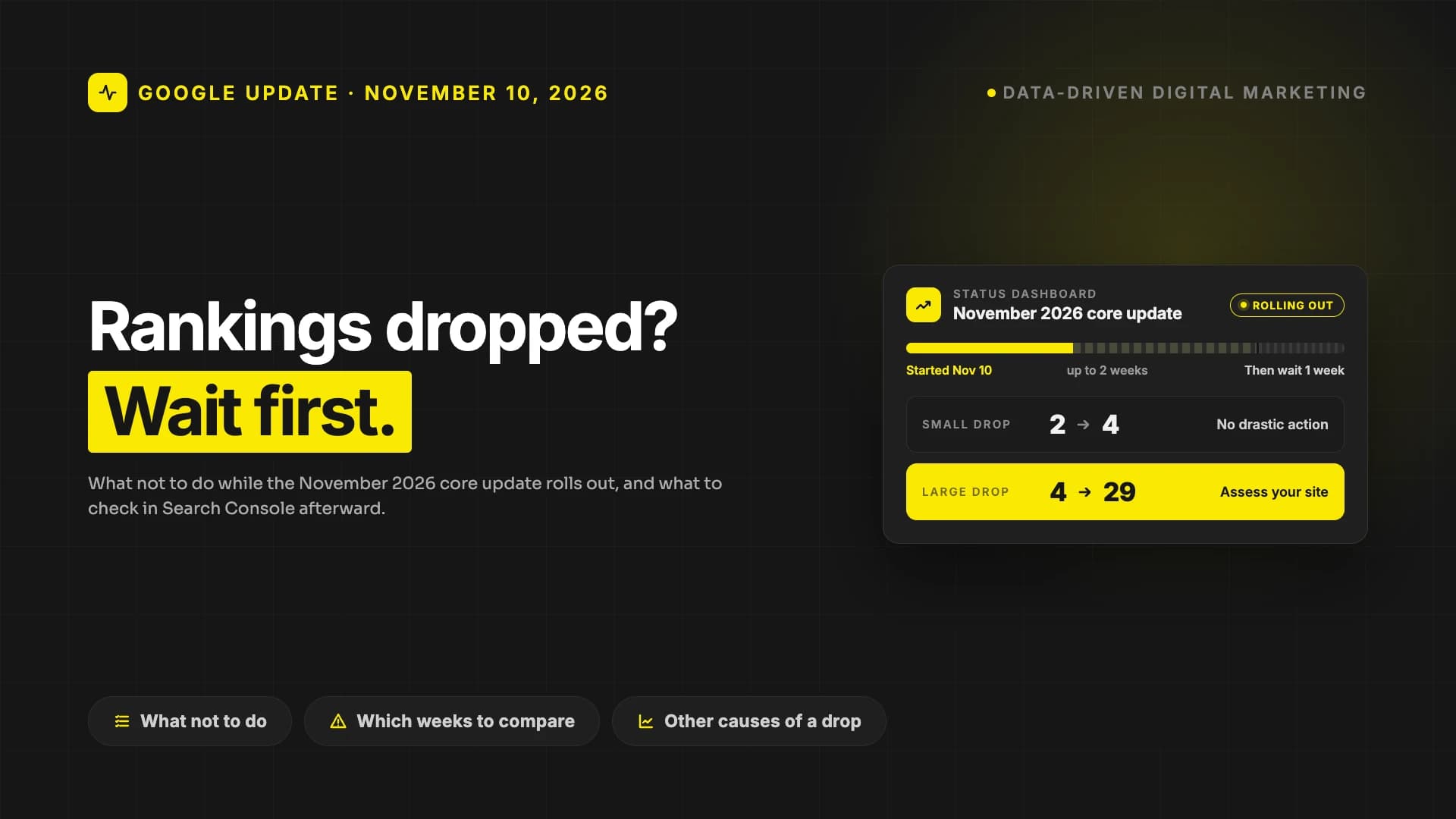
Google started rolling out the November 2026 core update on November 10 at 10:06 a.m. Pacific Time (PT). The entry on Google's Search Status Dashboard is brief: the update is global, covers all languages and may take up to two weeks to complete. It is the third core update of 2026; the first two were in March and May.
If you have seen your rankings move this week, this post draws on Google's own guides to answer two questions: what should you avoid while the update is rolling out, and what should you look at once it has finished?
What happened in the November 2026 core update?
The dashboard entry is just two sentences long and gives no detail. It names no specific system, industry or type of content. Here is what we know:
- Start: November 10, 2026, 10:06 a.m. (PT).
- Scope: Global, all languages. Searches in English are included too.
- Duration: According to the entry, it may take up to two weeks. This year's two previous core updates took about 12 days each: the March update ran from March 27 to April 8, and the May update from May 21 to June 2.
- End: Not announced yet. The exact date will be known once the dashboard marks the update as complete.
Google simply calls these core updates; in the industry you'll also see them described as "broad core updates."
What is a core update, and what is it not?
Several times a year, Google makes broad changes to its search algorithms and systems and calls them core updates. The most important sentence in Google's core updates guide is this one: these changes don't target specific sites or individual web pages.
In other words, a core update is not a penalty. In this respect it is different from spam policy violations and manual actions. Google explains it with a restaurant list: if you took the list of your 20 favorite restaurants that you put together years ago and rewrote it today, newly opened places would make the list and some would change position. A restaurant that moves down isn't necessarily "bad"; there are simply other restaurants that deserve a place on the list.
This distinction matters in practice. A penalized site has a specific violation to fix. On a site affected by a core update, the "find the one mistake and fix it" approach usually doesn't work. Google updates its systems as a whole, so what you need to assess isn't a single page but the site overall. We explain how search algorithms work in more detail in our post on search engine algorithms.
What should you avoid while the update is rolling out?
In the first days of an update, rankings can go up and down. According to Google's guide, there are three things to avoid in this period:
- Don't make decisions based on daily fluctuations. What you see while the update is rolling out isn't the final picture. Google recommends waiting for the update to finish before you analyze anything.
- Don't make "quick fix" changes. Google's guide says this explicitly: avoid hasty changes such as removing a page element because you heard it was bad for SEO. It also recommends not making changes to pages that are already performing well.
- Don't rush to delete content. According to Google, deleting content is a last resort. It should only be considered if you think the content can't be salvaged.
You can use these two weeks to prepare. Decide now which week you will compare against: since the update started on November 10, that is the week of November 3 to 9. Also list the pages and queries that bring you the most traffic; they are the first things you will check once the update is complete.
What should you check in Search Console once the update ends?
The method Google recommends is simple, but it takes patience:
- Confirm the end date. Note the start and end date of the update on the status dashboard.
- Wait at least a week after it ends. That is Google's recommendation. If the update finishes in about 12 days, the first date for a meaningful comparison would fall in the last days of November or early December.
- Compare the right weeks. Compare a one-week period after the update ended with the week before it started rolling out. To do this, use the Compare tab in the Date filter of the Search Console Performance report.
- Look at the size of the drop. Using Google's examples: dropping from position 2 to 4 is a small drop and doesn't call for drastic action. Dropping from position 4 to 29 is a large drop and calls for a deeper assessment of the site.
- Analyze search types separately. Did the drop happen in web search, Images, Video or News? The Search type filter shows you.
Sorting the Pages table by "Clicks Difference" shows whether the loss is coming from the whole site, a group of pages or a single important page. That distinction decides your next step.
Is the drop really caused by the update?
Not every site losing traffic in November has necessarily been hit by the core update. Google's traffic drops guide lists six main causes, algorithm updates among them. Here are the five causes other than the update, and how to tell them apart:
- Technical issues: Errors that prevent Google from crawling, indexing or serving your pages. They show up in the Crawl stats and Page indexing reports.
- Security issues: A malware or phishing warning. It shows up in the Security Issues report.
- Spam issues and manual actions: These show up in the Manual Actions report. We have also looked at Google's August spam update separately.
- Seasonal changes: Demand itself may have fallen. Checking your queries in Google Trends shows whether the drop is only on your site or across the web. In sale periods such as November, what people search for can change in many industries; in its guide, Google also gives the example of searches for turkey rising in November and for champagne in December.
- Site moves: If you have recently changed your URLs, rankings may fluctuate; according to Google, it can take a few weeks for the change to be noticed on a medium-sized site, and longer on larger sites. We cover this in our website redesign guide.
Google also recommends checking the Data Anomalies page in Search Console to see whether the drop comes from a change in data processing or a logging error.
One more tip: if your impressions stay the same while your clicks fall, you may have lost a little ground (from position 2 to 4, for example). According to Google, another possibility is that your page title and snippet aren't compelling enough, or that other sites are showing more eye-catching rich results. We look at this gap between impressions and clicks in detail in our data-driven SEO post.
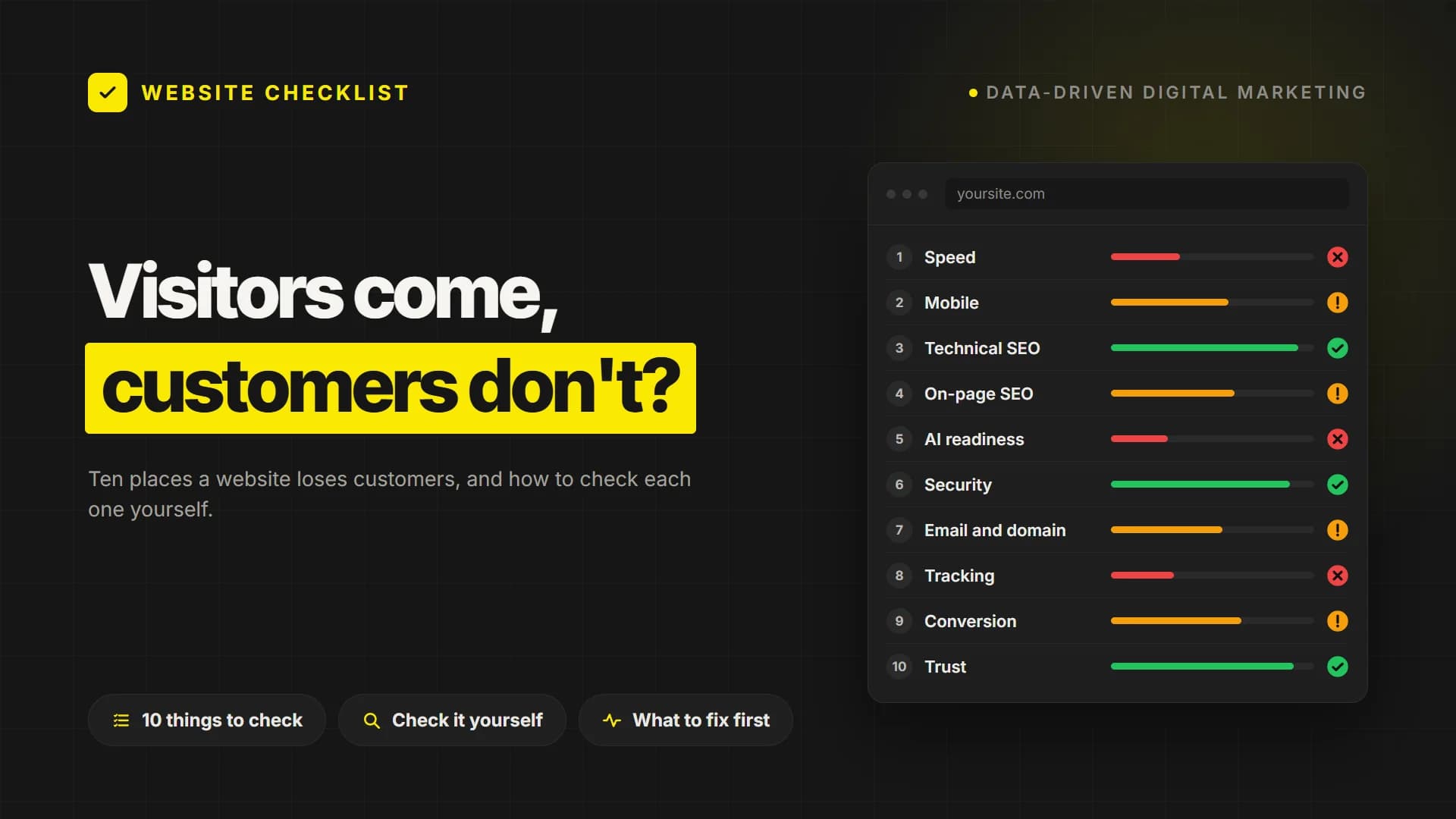
A quick way to rule out a technical cause is to scan your site from the outside. Our free PumpAudit website audit scans your site across 10 layers and 95 checks, including indexability, robots.txt and sitemap, canonical URLs, broken links and speed. No sign-up is needed, and the result arrives in about two minutes. It doesn't replace Search Console, but it gives a quick first answer to "has something technical broken?" without waiting for the update to finish.
If your rankings have dropped sharply
If, a week after the update has finished, you see a sustained, large drop across the site, Google's recommendation is to assess the site as a whole. The yardstick is the set of questions in Google's guide to creating helpful, reliable, people-first content. For this assessment, Google recommends the following:
- Be objective. You can also ask someone you trust who is unaffiliated with your site to assess it using the same questions.
- Start with the pages that were most affected. There may be other pages that do a better job of helping the searcher with the same query. What are those pages doing better?
- Focus on lasting improvements. For example, rewriting your content or restructuring it so that it is easier to read and navigate. Google recommends avoiding "quick fix" changes.
Results may not come right away. According to Google, some changes can take effect within a few days, but it can take several months for its systems to confirm that the site is producing helpful content in the long term. If there is still no effect after a few months, you may need to wait for the next core update. On the other hand, Google's guide notes that it is continually making smaller updates that it doesn't announce, and that improvements can be rewarded through these too.
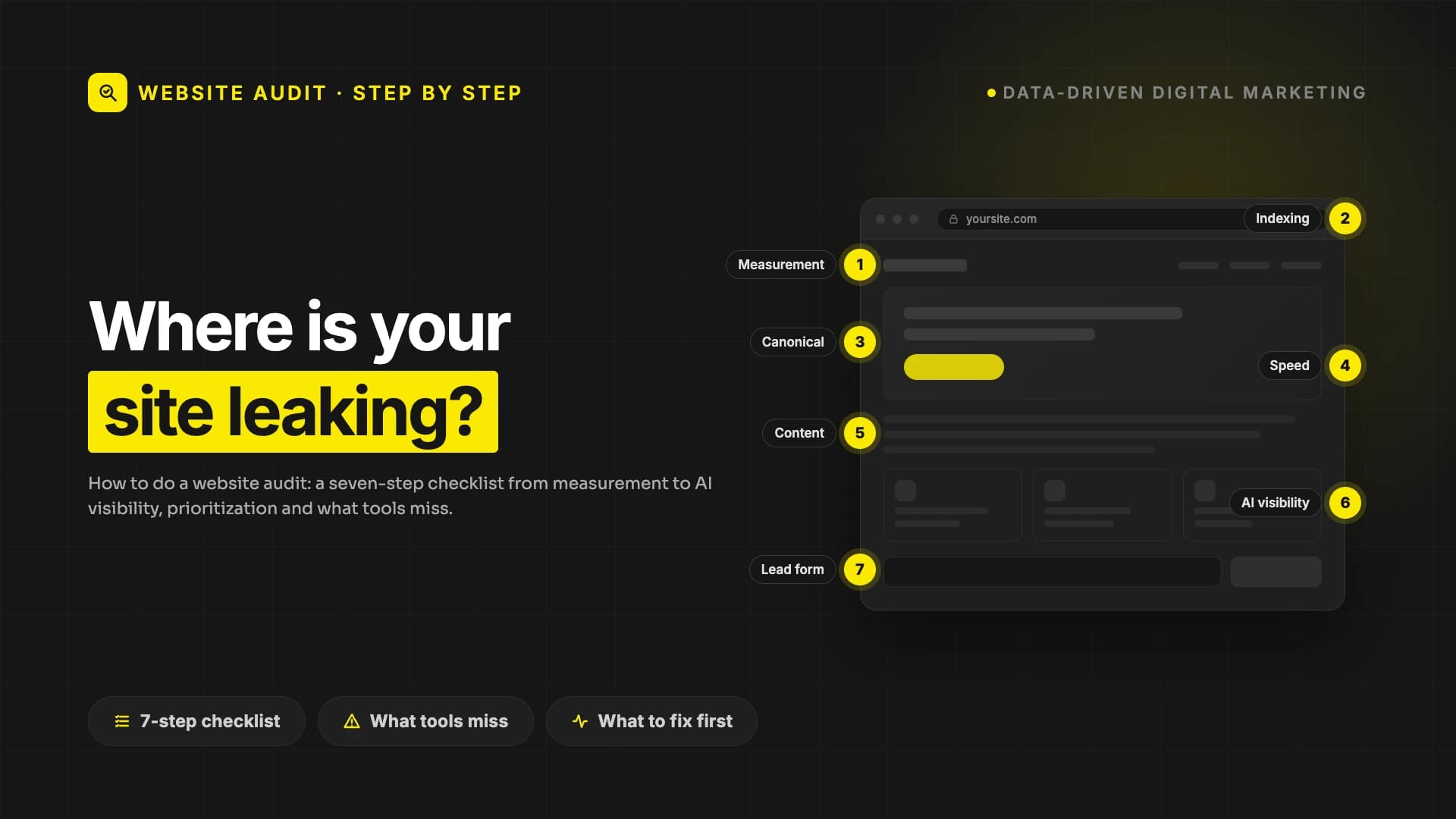
We explain how to check your site's technical and content health step by step in our website audit guide.
Frequently asked questions
When will the November 2026 core update finish?
Not yet known. According to the dashboard entry, the rollout may take up to two weeks. The two previous core updates in 2026 took about 12 days each. The exact date will be announced on the Google Search Status Dashboard.
Is a core update a penalty?
No. According to Google, core updates don't target specific sites or pages. A page that has dropped in the rankings may have done so not because it is "bad", but because other pages were found more suitable for that query.
Should I make changes to my site while the update is rolling out?
Don't make hasty changes based on your rankings. Google recommends waiting for the update to finish and then at least another week before analysing. If you spot a genuine technical error, such as a broken page or an access problem, fix it without waiting; that is a job independent of the update.
When will a site affected by a core update recover?
There is no guarantee. According to Google's guide, improvements can take anywhere from a few days to a few months to show an effect; sometimes you may need to wait for the next core update.
My traffic has dropped but my rankings are the same. Why?
If clicks are falling while rankings stay the same, three possibilities stand out: demand has dropped seasonally, your title and snippet have become less compelling in the search results, or other sites are showing more eye-catching rich results. Google Trends and the impressions data in Search Console help you tell these apart.
Next step
Core updates call for patience, not panic: first wait for the update to finish, then for a week of data, and compare the right weeks. If you would like to read your Search Console data together with us and pin down the cause of a drop, take a look at our SEO and GEO services or get in touch.
Your site may look great. Does it actually work?
PumpAudit scans your site across 10 layers and 95 checks: speed, SEO, AI visibility, security, email and conversion. Your score is free and takes a minute or two.