

What Is Google Ads and How Does It Work? A Practical Guide
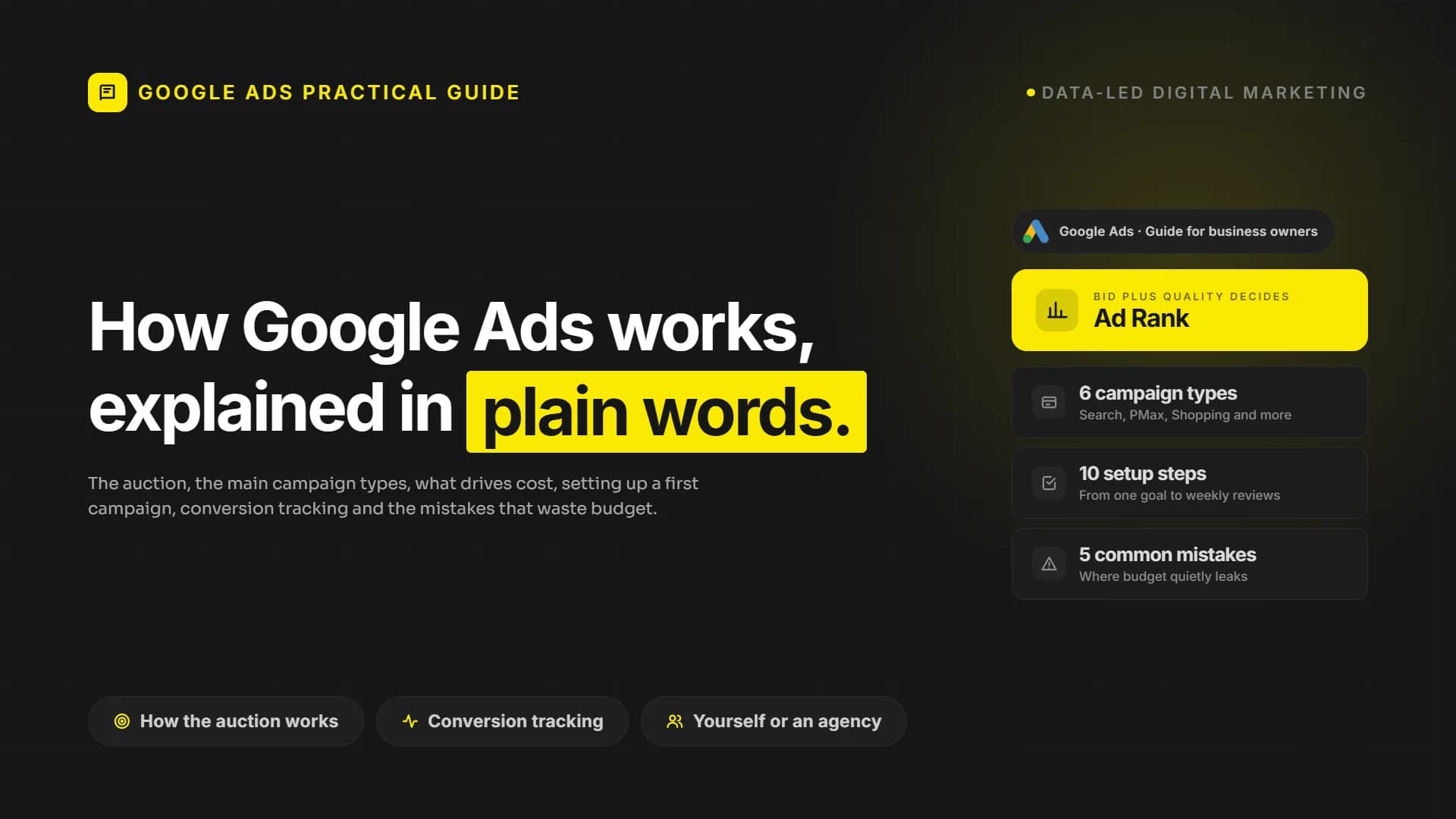
How Google Ads works in plain words: the auction, campaign types, what drives cost, setting up a first campaign, conversion tracking and common mistakes.
Most business owners have been told they should be "running Google Ads". Some tried it, spent money and could not tell whether it worked. Others never started because the platform looked complicated. Both reactions usually come from the same gap: nobody explained how the system decides who sees an ad and what it costs.
This guide explains what Google Ads is, how Google Ads works, the main campaign types, what drives cost, how to set up a first campaign, why conversion tracking matters and when to bring in help.
What is Google Ads and how does Google Ads work?
Google Ads is Google's advertising platform. It lets a business show ads in Google Search, on YouTube, in Gmail, on Google Maps, in Google Shopping and on partner websites and apps. You decide who to reach, what the ad says and how much to spend, and you usually pay when someone clicks or takes an action.
The key idea is intent. On Search, people type what they need at the moment they need it. An ad that answers a search such as "commercial cleaning company in Manchester" reaches someone already looking. That is why Google Ads can bring enquiries quickly, and why it wastes money quickly when targeting is loose.
How the auction works in plain words
Every time someone searches or loads a page where ads can appear, Google runs an auction in a fraction of a second. The highest bid does not simply win. Three ideas matter.
- Bid. The maximum you are willing to pay for a click or a conversion. Today most advertisers let Google set bids automatically towards a goal, such as more conversions or a target return on ad spend.
- Quality. Google estimates how useful your ad will be to the searcher: how relevant the ad is to the search, how likely people are to click, and how good the landing page experience is. In the interface this shows up partly as Quality Score.
- Ad Rank. Bid and quality are combined, along with context such as the device, location, time and the ad assets you provide. The result decides whether your ad shows and in which position.
The good news for smaller businesses: a relevant ad with a clear landing page can compete with a bigger, poorly matched budget. Quality is part of the price.
The main campaign types
Google Ads offers several campaign types. Each one reaches people in a different place and state of mind.
- Search. Text ads in Google Search results, triggered by keywords. Usually the best starting point for service businesses because it captures existing demand.
- Performance Max. A single campaign that runs across all Google channels, with heavy automation deciding where to show ads. It depends strongly on good conversion data and good creative assets.
- Display. Image ads on websites and apps in Google's network. Useful for awareness and remarketing.
- Video (YouTube). Video ads on YouTube. Good for explaining a product and building familiarity.
- Shopping. Product ads with image, price and store name, fed from Google Merchant Center. The core format for most online stores.
- Demand Gen. Visual ads in YouTube, Discover and Gmail feeds, reaching people before they actively search.
Most businesses do not need all of them. One or two types, measured properly, teach more than a small budget spread across six.
What determines the cost of Google Ads
There is no fixed price list. Costs come from the auction, so the same budget can deliver very different results in different markets. These are the main drivers.
- Competition. The more advertisers bid on the same searches in the same location, the higher the cost per click tends to be.
- Quality. Relevant ads and landing pages lower the price of holding a position. Weak relevance pushes it up.
- Targeting. Location, language, schedule, device and audience settings decide how many auctions you enter. Broad targeting means more reach and more waste.
- Conversion tracking. Automated bidding learns from conversions. With wrong signals, or none, it optimises for clicks that never become customers.
- Your offer and website. A clear offer and a page that converts well make every click worth more.
The useful question is not "how much does Google Ads cost" but "what can we afford to pay for a customer", which depends on your margins and customer value.
How to set up your first campaign step by step
- Define one goal. Pick a single measurable action: a form submission, a phone call from the ad or a purchase.
- Set up conversion tracking first. Install the Google tag or connect Google Analytics, and confirm that test conversions are recorded before spending anything.
- Choose a Search campaign. For most service businesses it is the clearest way to learn what people search for and what converts.
- Research keywords. Group related keywords by service. Prefer phrases with buying intent, such as a service plus a location.
- Add negative keywords. Exclude searches like "jobs", "free", "course" or services you do not offer.
- Set location, language and schedule. Target only where you deliver, and make sure the location option targets people in the area, not only people interested in it.
- Write ads that match the search. Reflect the keyword theme in headlines, state the offer and add sitelinks, callouts and a call button.
- Send each ad group to a relevant landing page. The page should repeat the ad's promise and make the next step obvious.
- Set a daily budget and bidding strategy. Start with a budget you are comfortable testing, and move to target based bidding once enough conversions are recorded.
- Review the search terms report weekly. Add new negatives and move good terms into their own ad groups.
Conversion tracking and why it matters
Conversion tracking records what happens after the click: a form sent, a call made, a purchase completed. Without it, Google Ads can only report clicks and impressions, and you are left guessing which keywords bring customers.
In the UK and the EU, conversion tracking also depends on consent. If your cookie banner holds the Google tag back until the visitor accepts, part of your conversions is never recorded unless Consent Mode is configured, and the bidding system learns from an incomplete picture. Treat consent handling as part of the tracking setup, not as something to sort out later.
It matters even more with automated bidding. Google's bidding systems learn from the conversions you send. If a newsletter signup and a sales enquiry count the same, the system will chase the cheaper one. Recent changes to how Google handles target based bidding, covered in our article on the Google Ads bidding change for target CPA and ROAS, make clean conversion data even more important.
A step further is connecting ads to your CRM, so that qualified leads and closed deals are sent back to Google Ads. The system then learns from revenue rather than raw form fills. Our guide to data-driven marketing explains how this kind of measurement fits into wider decisions.
Common mistakes to avoid
These are the issues we meet most often in the accounts we take over. None of them is a platform problem. Each one is a setup decision that was made once and never revisited.
- Broad keywords without negatives. Broad match can find useful searches, but without a negative keyword list it also finds irrelevant ones, and budget disappears on clicks that were never going to buy.
- No conversion tracking. Running campaigns without measurement means optimising for clicks. Automated bidding without conversions is guessing with your money.
- Sending ads to the homepage. A homepage speaks to everyone. A searcher who asked about one service should land on a page about that service.
- Changing too much too often. Automated bidding needs time and data to learn. Daily edits keep it learning forever.
- Ignoring the search terms report. Keywords are what you bid on. Search terms are what people actually typed. The difference is where money leaks.
Manage it yourself or work with an agency?
Managing Google Ads yourself can work well when the budget is modest, the offer is simple, you target one area and someone on the team can spend regular time reviewing search terms, ads and results. It is also a good way to learn how your market searches.
A Google Ads agency or specialist usually makes more sense when several campaign types run at once, when you sell in several countries or languages, when tracking involves calls, CRM data or offline sales, or when nobody has time for weekly reviews. Either way, keep the Google Ads account and tracking setup in your company's name, so the data stays with you.
Frequently asked questions
Is Google Ads suitable for small businesses?
Yes, if the targeting is focused. A small business that targets specific services in a specific area, with a relevant landing page and conversion tracking, can compete without a large budget.
How quickly does Google Ads bring results?
Traffic can start soon after ads are approved. Reliable conclusions need enough conversion data, which takes longer in low volume markets.
What is the difference between Google Ads and SEO?
Google Ads buys visibility that stops when spending stops. SEO earns organic visibility that builds over time. Many businesses use ads for immediate demand while SEO grows.
Next step
Google Ads rewards businesses that measure properly, target precisely and send people to pages that answer their search. If you want campaigns built around conversion tracking and connected to your CRM and wider growth plan, see our performance marketing and growth service or get in touch to talk it through.
Your site may look great. Does it actually work?
PumpAudit is the AI assisted auditor built by Pumpmedya. It analyses your site across five areas, every finding is checked by a specialist, and the report is with you within 3 working days. Credited against your first project.
See PumpAuditKeep reading
 Digital Marketing Strategy
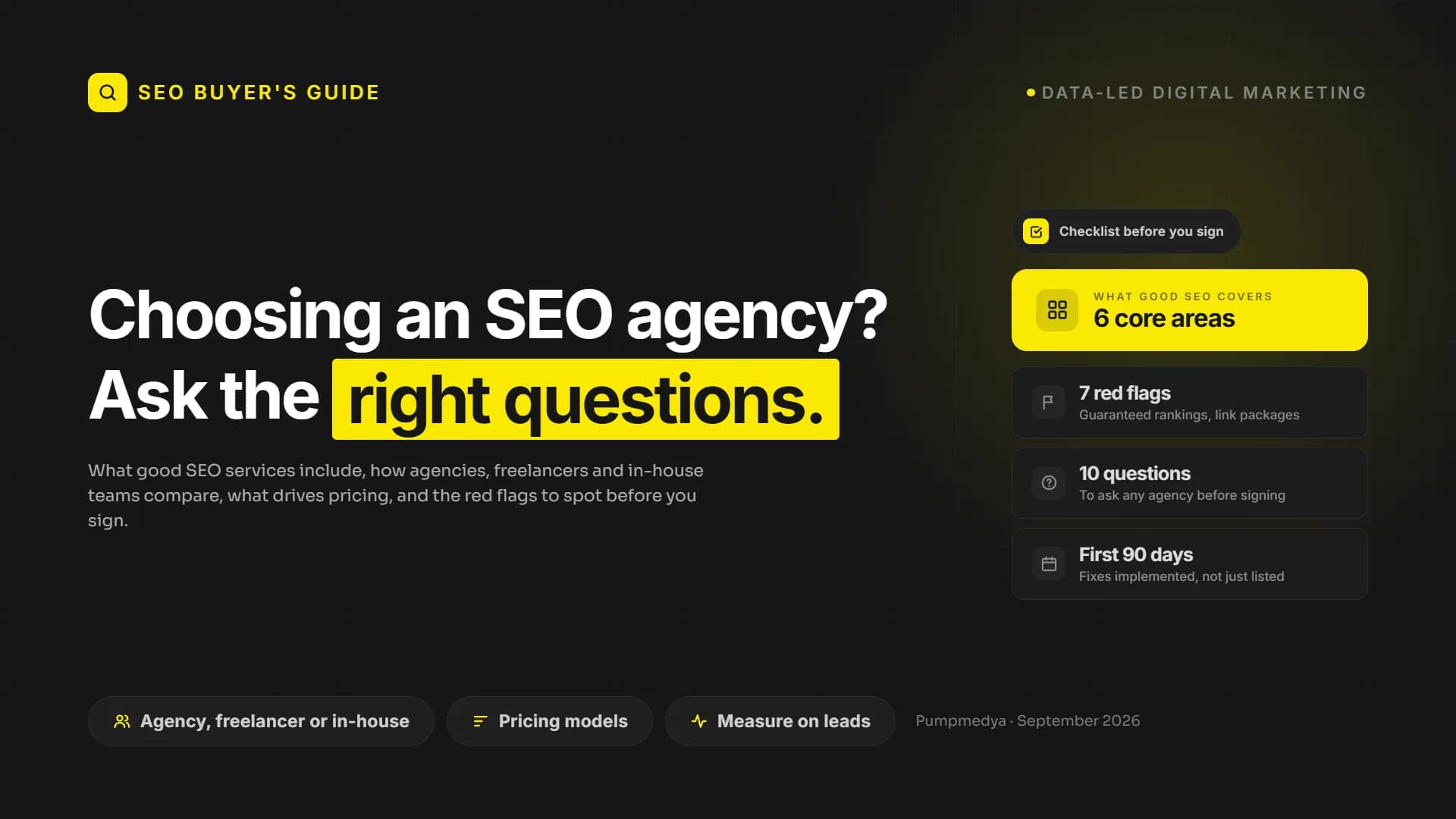
How to Choose an SEO Agency in the Age of AI: The Questions to Ask
 Digital Marketing Strategy
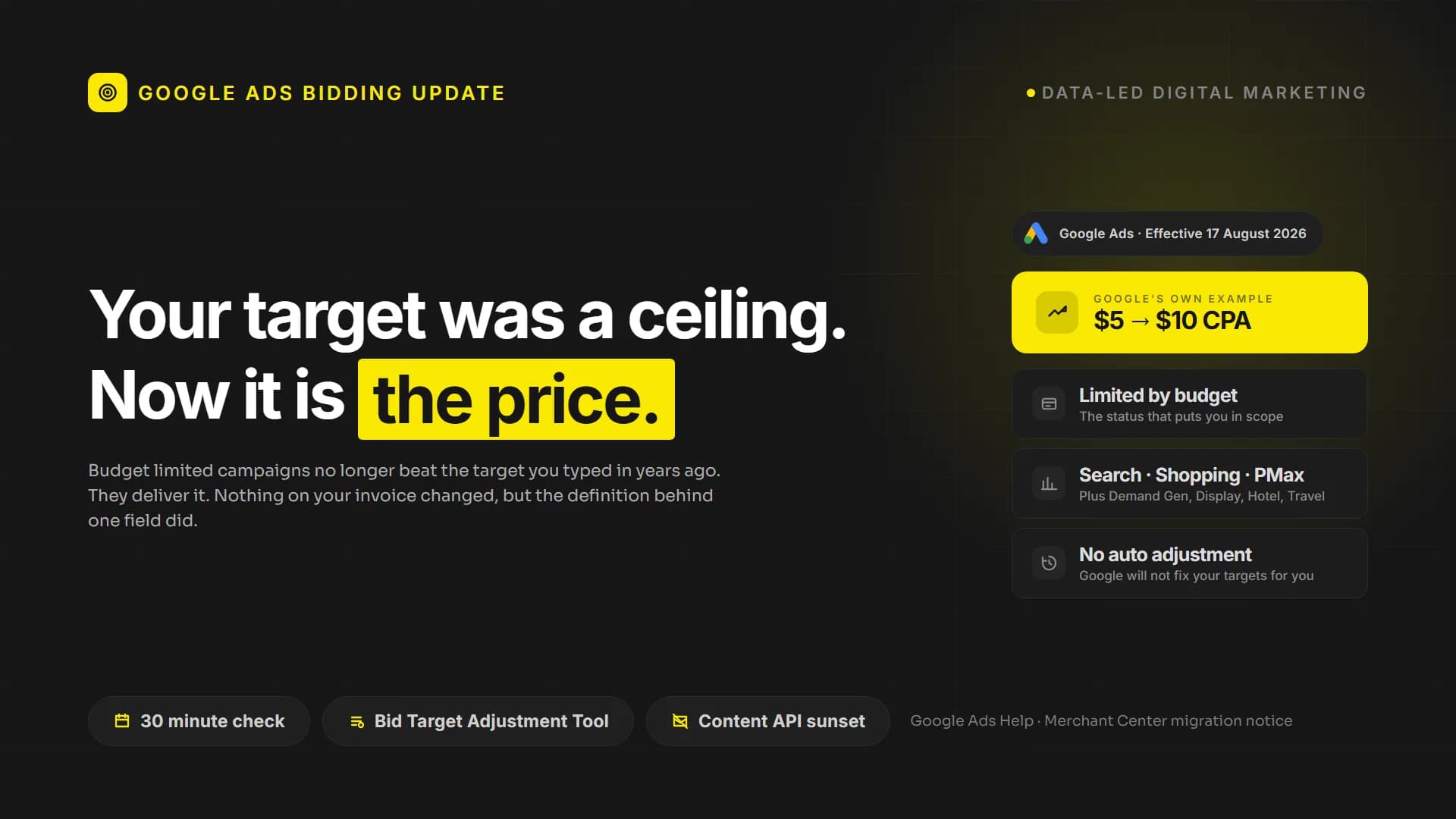
Google Ads Changed One Rule. Your Target Is Now Your Price.
 Data-led Digital Marketing